Catalog ads earn their reputation as the closest thing ecommerce advertising has to autopilot: connect a feed, pick an audience, and the platform assembles ads for every product you sell. That's real - and it's also why early mistakes are so sticky. Nothing crashes. The campaign runs, spends, and even converts, while a wrong setting from week one quietly taxes every result after it.
The encouraging part: new accounts don't invent new mistakes. The same ten patterns appear again and again, and none of them requires starting over. Most are an afternoon of setup, a habit, or a checkbox in the right place.
Here they are, roughly in the order they tend to appear - from the first feed upload to the month-three plateau.
1. Running raw feed images as your creative
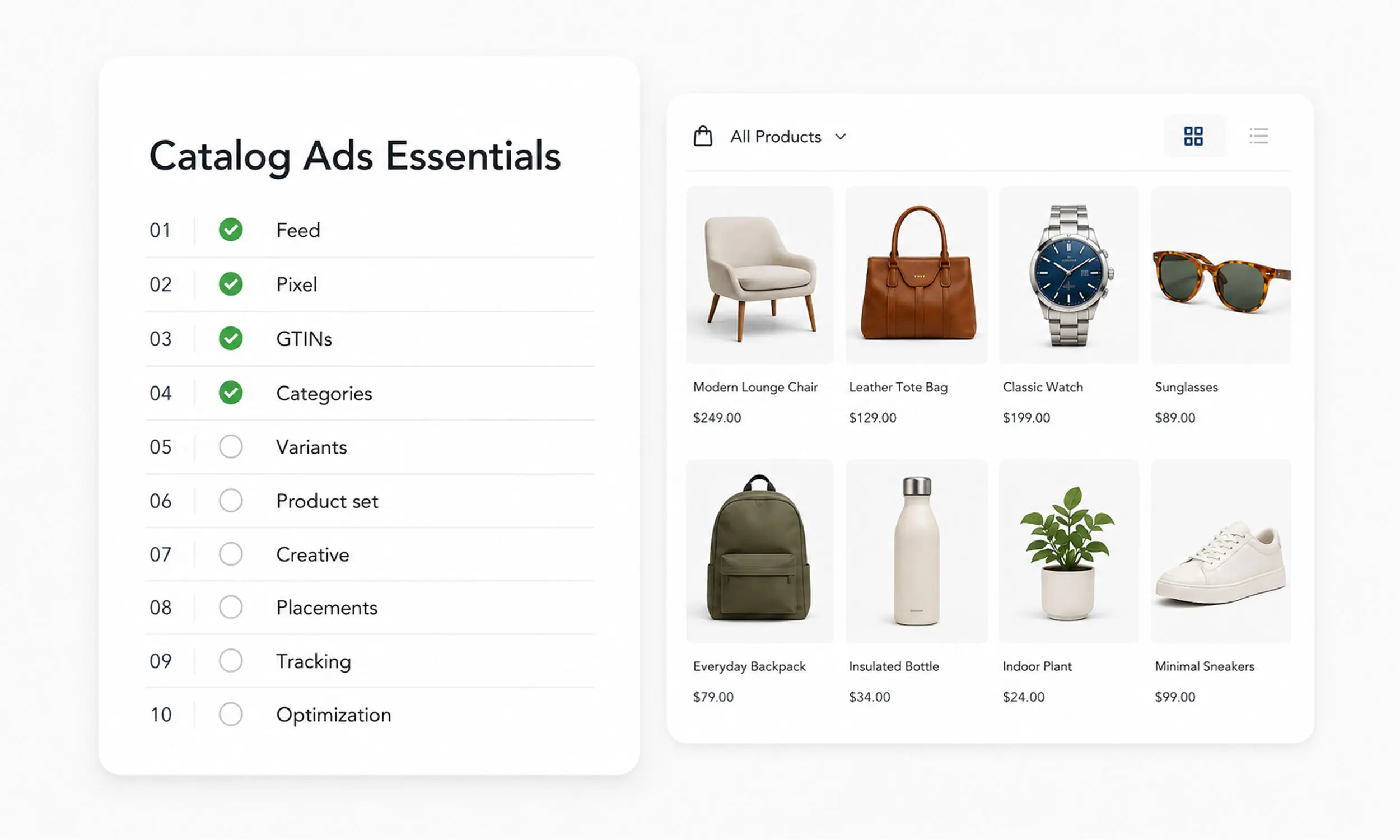
The platform pulls product images straight from the feed by default, so the path of least resistance is white-background pack shots - the same ones every competitor's feed contains. The result is a wall of interchangeable ads, and it's the reason catalog ads tend to look the same across an entire industry.
The fix isn't reshooting products. It's rendering them through designed layouts - price, brand frame, promotional context - so the same feed produces ads that read as yours. That's the whole case for enriched catalog ads, and it's the single highest-leverage change on this list.
2. Ignoring rejected products
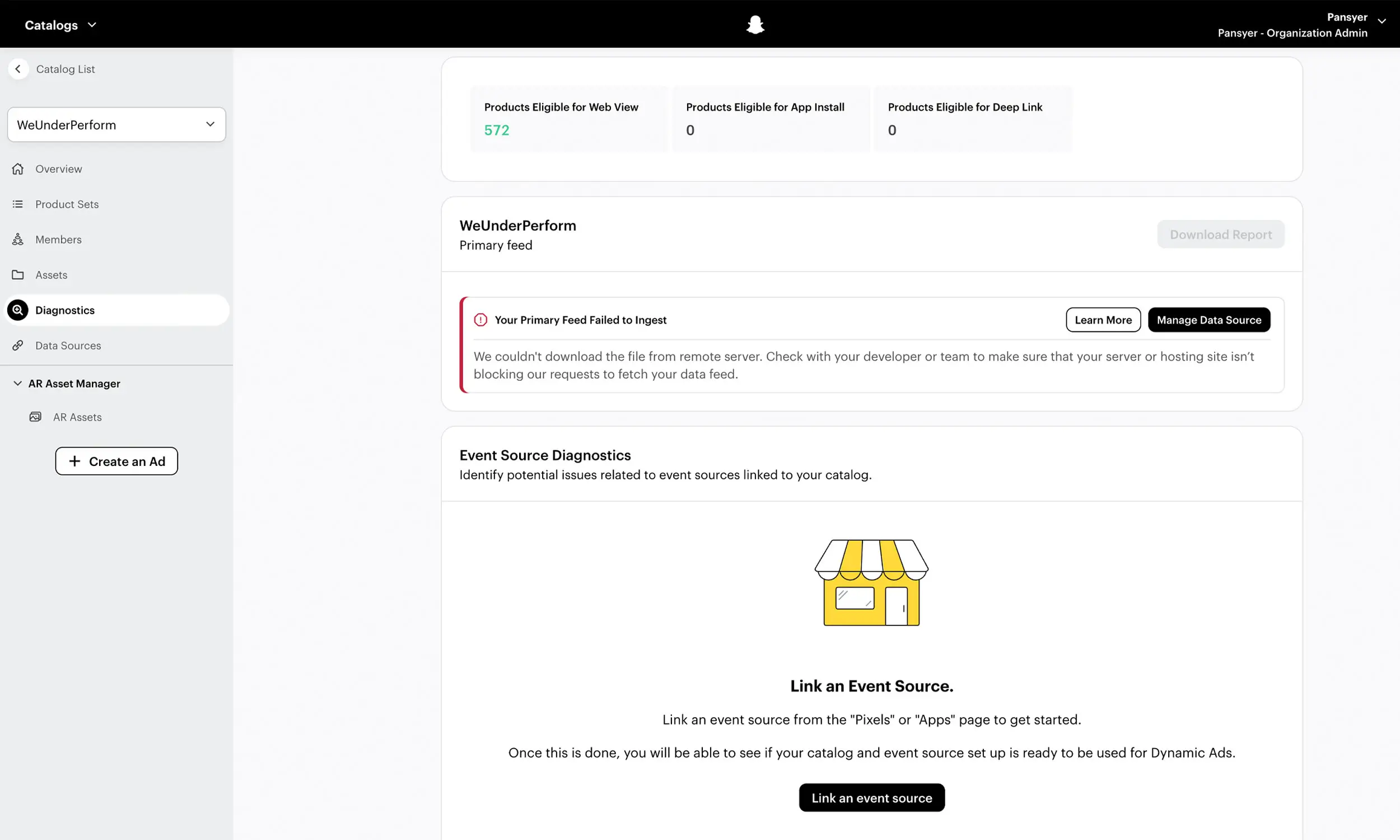
Rejections don't stop a campaign - they just remove products from it. Because the ads keep running, nothing feels broken, and the diagnostics tab where rejections pile up is a page nobody visits on purpose.
The cost is invisible by design: part of your assortment simply isn't advertised, and it's often the products with edge-case data - which can include your best sellers. Make the diagnostics check a weekly habit, and use the catalog error guide to clear what you find.
3. Sending one generic feed to every platform
Exporting a single feed and pointing every platform at it feels efficient. But each platform expects its own fields, categories, and formats, and a feed built for none of them in particular tends to validate poorly everywhere - or validate fine and perform below what the data could support.
The fix is one product source, many outputs: a feed management setup that maps the same catalog into what each platform actually wants.
4. Editing base prices to run a sale
Overwriting the price field looks like the direct route to a discount. What it actually does is erase the discount: platforms show sale treatment - strikethrough, savings callouts - only when the sale price fields are used alongside a stable base price.
Edit the base price instead and shoppers see an ordinary price with no signal that it's a deal, while your price history looks unstable to the platform. Keep the base price fixed, put promotions in the sale fields, and let the discount render as one.
5. Catalog IDs that don't match the pixel
Your pixel fires events with product IDs; the platform matches those against the IDs in your catalog to know who viewed what. When the two use different formats - SKU in the feed, variant ID in the pixel, or a stray prefix on one side - the match fails silently, and retargeting runs blind.
This one hides well because prospecting still works. The fix is a single canonical ID used everywhere, and a check of event matching in your diagnostics before you scale retargeting spend.
6. Judging results during the learning phase
The first days of a catalog campaign tend to look expensive, and the reflex is to intervene - swap audiences, cut budgets, pause sets. Every significant edit restarts learning, so the account never exits the phase it's being judged by.
Decide the evaluation window before launch and hold it.
7. Advertising the whole catalog as one set
The default is all products, one campaign - which means budget spreads across out-of-season items, thin-margin lines, and things nearly out of stock, with no way to prioritize what deserves the spend.
Product sets are the fix: segment by best sellers, margin, season, or stock, and give each segment its own campaign logic. It's the difference between advertising a store and advertising a strategy.
8. Letting frequency run unmanaged
Catalog campaigns feel self-refreshing - products rotate, so surely the creative does too. But the design layer stays constant, and audiences see the same look until frequency climbs and response decays.
Fatigue in catalog campaigns has a cheaper fix than anywhere else in advertising: rotate the template, and every product refreshes at once. The ad fatigue playbook turns that into a routine with thresholds instead of a scramble.
9. Shipping square-only creative
A square image renders in every placement without erroring, so it feels finished. Then it reaches Stories and Reels - vertical, full-screen placements - as a small square adrift in empty space, or stretched by the platform's best guess.
Placements deserve creative in their own shape. The aspect ratio guide covers which formats matter and how to produce them without multiplying your design work.
10. Treating the feed as finished
Launch feels like the end of feed work. But prices change, stock sells through, products get added and retired - and a feed that synced once keeps advertising a store that no longer exists. Shoppers click a sale that ended or a size that sold out, and the platform notices the mismatch too.
The fix is making sync somebody's - or something's - job: scheduled updates from the source, plus a routine look at feed health so drift surfaces before shoppers find it.
Mistake | Main consequence | Recommended action |
|---|---|---|
Raw feed images | Generic, interchangeable creative | Add branded/enriched catalog templates |
Ignored rejections | Products silently stop advertising | Review diagnostics weekly |
One feed for every platform | Poor platform fit and data usage | Create platform-specific feed outputs |
Editing base prices for sales | Sale messaging disappears | Use dedicated sale-price fields |
Feed/pixel ID mismatch | Retargeting loses product matching | Standardize one canonical ID |
Editing during learning | Learning continually restarts | Set and respect an evaluation window |
Whole catalog in one set | Spend goes to low-priority products | Segment into strategic product sets |
Unmanaged frequency | Template fatigue lowers response | Rotate templates based on frequency |
Square-only assets | Weak Stories/Reels presentation | Build placement-specific aspect ratios |
One-time feed setup | Price and stock data becomes stale | Automate syncs and monitor feed health |
Ten fixes, one pipeline
Half these mistakes persist not because the fixes are hard but because they live in five different tools - a feed exporter here, a design app there, a diagnostics tab nobody owns. Flow's approach is to put the fixes where the work already happens: catalog import with automatic field mapping keeps IDs and fields consistent, feed validation and health monitoring surface rejections and drift instead of hiding them, and synchronized updates keep the feed matching the store without a manual step.
On the creative side, reusable templates handle mistakes one, eight, and nine in one motion - designed, branded renders produced in the shapes each placement needs, refreshed catalog-wide by changing the template. And because the catalog engine feeds Meta, TikTok, Pinterest, and Snapchat from one source, the per-platform feed problem becomes a workflow you configure once rather than an export you repeat.
FAQ
What is the most common catalog ads mistake for beginners?
Running raw feed images as the creative. It's the default path, it works technically, and it produces ads indistinguishable from every competitor pulling from similar product data.
How often should I check for rejected products?
Weekly is a working rhythm for most catalogs - often enough to catch rejections before they compound, rarely enough to stay sustainable. After large feed changes, check immediately.
Should I use the same product feed for Meta and TikTok?
Same product source, different feeds. Each platform has its own field expectations, and a feed mapped to each tends to validate and perform better than one generic export sent everywhere.
Why don't my catalog ads show the sale price?
Usually because the base price was edited instead of the sale fields being used. Platforms render discount treatment from the sale fields; an overwritten base price is just a lower price with no story.
How soon can I judge a new catalog campaign?
Not during the learning phase - early results are noisy by design, and edits made in a panic restart the clock. Set an evaluation window before launch and hold to it.
Final thoughts
None of these mistakes comes from carelessness. They come from a system that runs fine while being wrong - campaigns that spend and convert around a missing product set, a silent ID mismatch, a feed drifting out of date.
Work through the list once and most items resolve in an afternoon. The remaining ones - rejection checks, fatigue rotation, feed sync - are habits worth wiring into tools rather than memory. Catalog ads reward exactly this kind of unglamorous setup: fix the plumbing once, and every product you sell benefits from it.


Join The Newsletter
Stay ahead in catalog advertising
Get practical guides, product updates, new templates, and best practices for Dynamic Product Ads, creative automation, and ecommerce marketing.
On this page
Related articles



Launch catalog ads with ease
Ready to launch better catalog ads?
Turn product catalogs into publishing-ready creatives in minutes.