A rejected product in your Facebook catalog doesn't announce itself. It just stops appearing in ads, and campaign delivery quietly narrows around it. Multiply that by a few hundred products and a campaign can underperform for weeks before anyone opens the diagnostics tab.
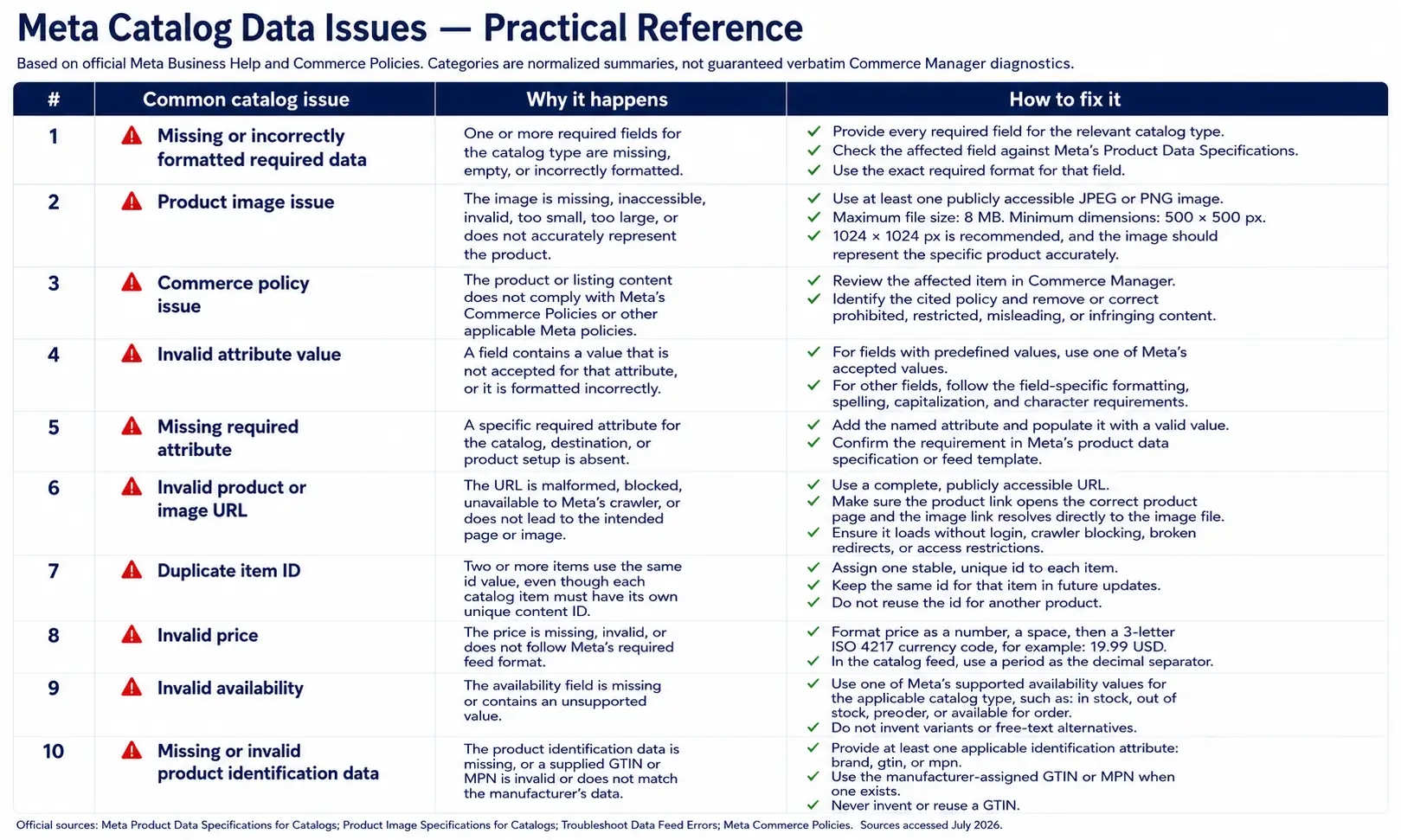
This guide is the Meta-specific error reference: the actual messages Commerce Manager shows, organized by cause, with fixes.
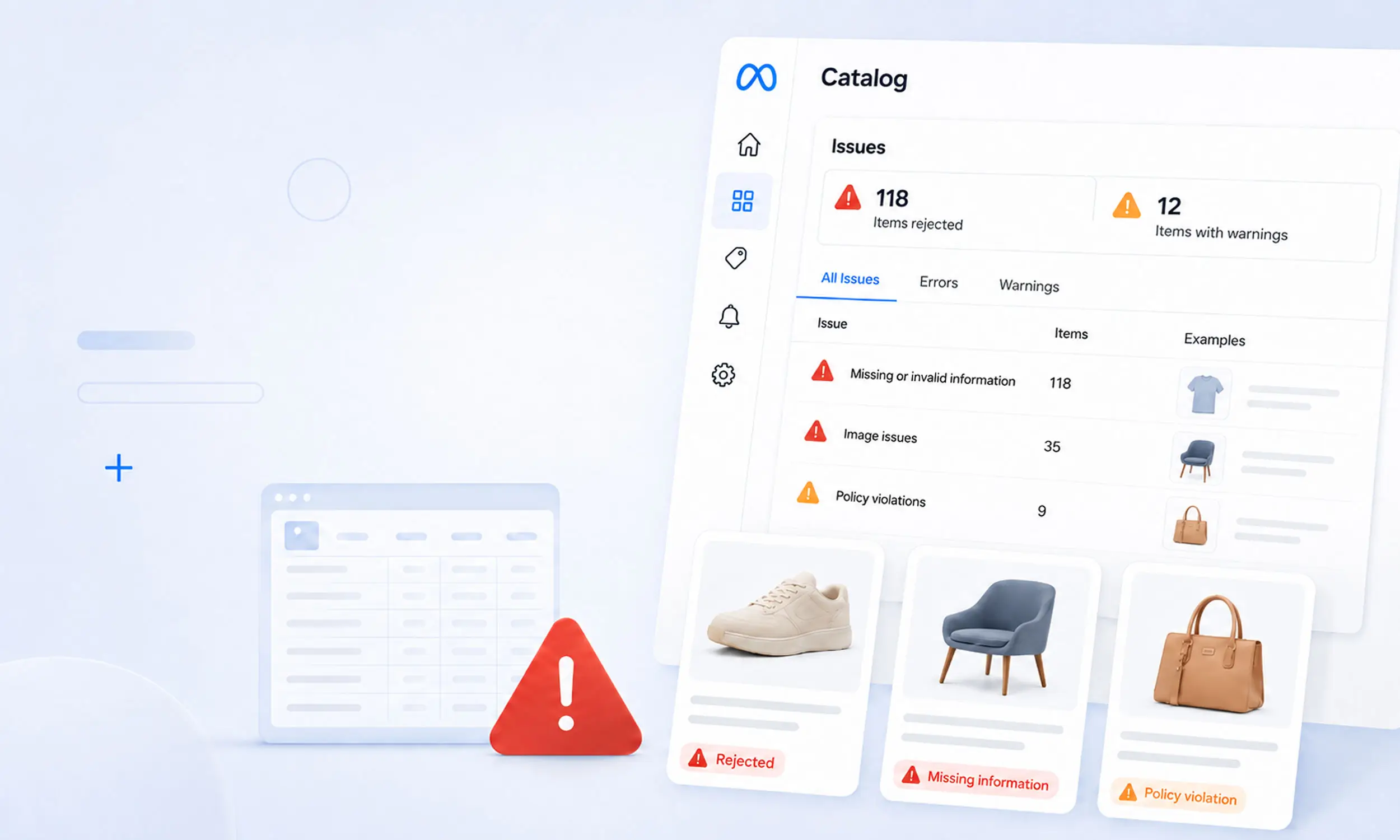
Where to find catalog errors
Commerce Manager → your catalog → Data sources shows feed-level problems per upload session, with a downloadable issue report (capped at 100,000 errors per report). Item-level problems appear on the products themselves under Items.
The official Meta reference for the messages below is Troubleshoot data feed errors in your catalog.
Diagnose top-down: fetch and format errors first (they block everything), then required fields, then item-level data, then policy. A fix at the top of the chain often clears dozens of errors further down.
Fetch and file errors: Meta can't read your feed
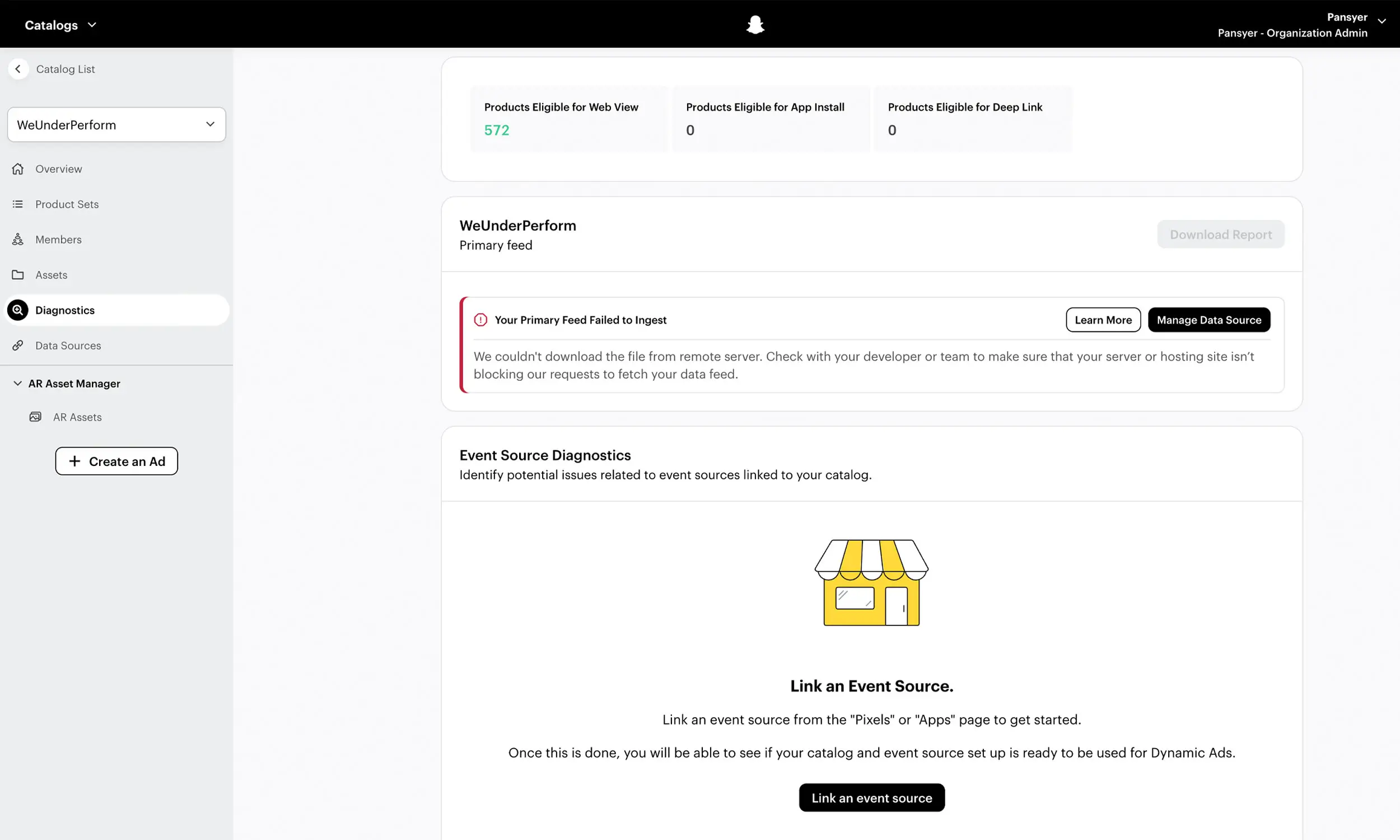
"Your data feed file couldn't be accessed" / "Failed to connect to server" / "Fetching feed from server failed" / "HTTP authentication failed" - Meta's fetcher can't reach the file. Check that the URL is publicly accessible, credentials (if any) are current, and your server or CDN isn't blocking Meta's requests.
"HTML format isn't supported" - the URL returns a web page instead of a file. Usually a login redirect, an expired share link, or an error page. Open the URL in a private browser window: if you see anything but raw data, so does Meta.
"Your data feed can't be empty" - the export produced headers and no rows. The bug is in your feed generation job, not in Meta.
"Incorrect number of columns" - a row has more or fewer values than the header. Common causes include unescaped delimiters or line breaks inside text fields. Quote text fields and validate row width.
"Line or row of text exceeds size limit" - a row over 5 MB, typically a description stuffed with embedded content.
"Feed download speed is slow or exceeds file size" - one-time uploads cap at 100 MB, scheduled feeds at 4 GB; compress with ZIP/GZIP and check your server's transfer speed.
The silent killer in this category: repeatedly failing schedules get paused, and stay paused until someone resumes them in the feed's settings. Your feed can be perfect and your catalog still stale. Alert on fetch failures, not just on data errors.
Required-field and format errors
The spec requires id, title, description, availability, condition, price, link, image_link, and brand. The errors map directly:
"A required field is missing" - one of the nine is empty for that product. Fill it or the product won't enter the catalog.
"Missing or invalid price or currency errors" - price must be
34.99 USD: number, space, ISO code. Currency symbols, comma decimals, or mixed currencies in one file all fail."Invalid values" - a field contains something outside its allowed set, like
availability: low stock(onlyin stockandout of stockcount for ads)."Field can't be all uppercase letters" - titles and descriptions in all-caps are rejected. Normalize casing with a feed rule rather than editing products.
"Invalid HTML / HTML attributes unsupported / Disallowed HTML tags" - descriptions must be plain text; strip markup at export.
"Invalid Google or Facebook product category" - the taxonomy value doesn't exist. Map categories programmatically; hand-typed category paths drift.
ID and identifier errors
"IDs can't be duplicated" - every
idappears once. Duplicates usually come from variant exports flattening incorrectly."ID conflicts with group ID" - an
idcollides with anitem_group_id. Keep separate namespaces for products and groups; both are case-sensitive."Universal IDs are missing / Invalid GTIN" - the GTIN fails validation. An invalid GTIN is worse than an empty field: fix it or remove it.
IDs deserve more care than any other column, because they're also the join key to your pixel. If catalog id values don't exactly match the content_id values your events send - same case, same format - retargeting delivery degrades without producing a single feed error. Check Events Manager whenever you audit the catalog.
Image errors
Images below 500 x 500 pixels, over 8 MB, or in formats other than JPEG/PNG are rejected - full requirements in Meta's image specifications.
Image fetch failures - the image URL is broken, slow, or your CDN blocks Meta's crawler. Serve images from a fast host and test URLs resolve directly to the file.
The stale-image trap: Meta's documented replacement workflow requires a new image URL. When creative changes, version the URL so the next catalog update points to a distinct asset.
Keep the feed's image_link clean product photography, and ship promotional design as separately rendered creative - the catalog ad design pipeline. Overlaying sale text onto your feed images makes every future error harder to fix and pollutes Shops surfaces.
Policy rejections: when the data is fine
Products that violate Meta's Commerce Policies get rejected regardless of feed quality. The prohibited list spans roughly two dozen categories - weapons, alcohol, tobacco, adult products, currency, animals, counterfeit goods among them - plus restricted categories like gift cards and event tickets that need prior approval.
Two practical notes:
Policy enforcement can produce false positives. Rejected listings can be appealed for manual review from Commerce Manager; correct the listing first when it genuinely violates policy, and do not assume an appeal will be approved.
Editing
custom_label_*values re-triggers policy review on those products, which can pause their delivery while re-review runs. Useinternal_labelfor segmentation you change often - Meta recommends exactly this.
Out-of-stock and freshness behavior
"Out of stock / Archived" isn't a malfunction - it's Meta doing what the feed says. Products marked out of stock are excluded from ads automatically (and show "sold out" in Shops for up to 56 days before disappearing).
The error worth preventing here is the inverse: products that sold out on your store but still say in stock in a stale feed. That's budget spent sending buyers to dead product pages. Daily syncs are the floor; during sales, sync more often - the full cadence logic is in product feed management.
The prevention checklist
Validate before upload: required fields, price format, image minimums, ID uniqueness
Quote text fields at export; strip HTML, emojis, and all-caps with rules
Match feed IDs to pixel content IDs, case-sensitively
Version image URLs on every creative change
Sync daily minimum; alert on fetch failures and paused schedules
Use
internal_labelfor changeable segmentation,sale_pricefor promotionsReview the issues report weekly, not when ROAS drops
Moving Meta catalog error checks upstream
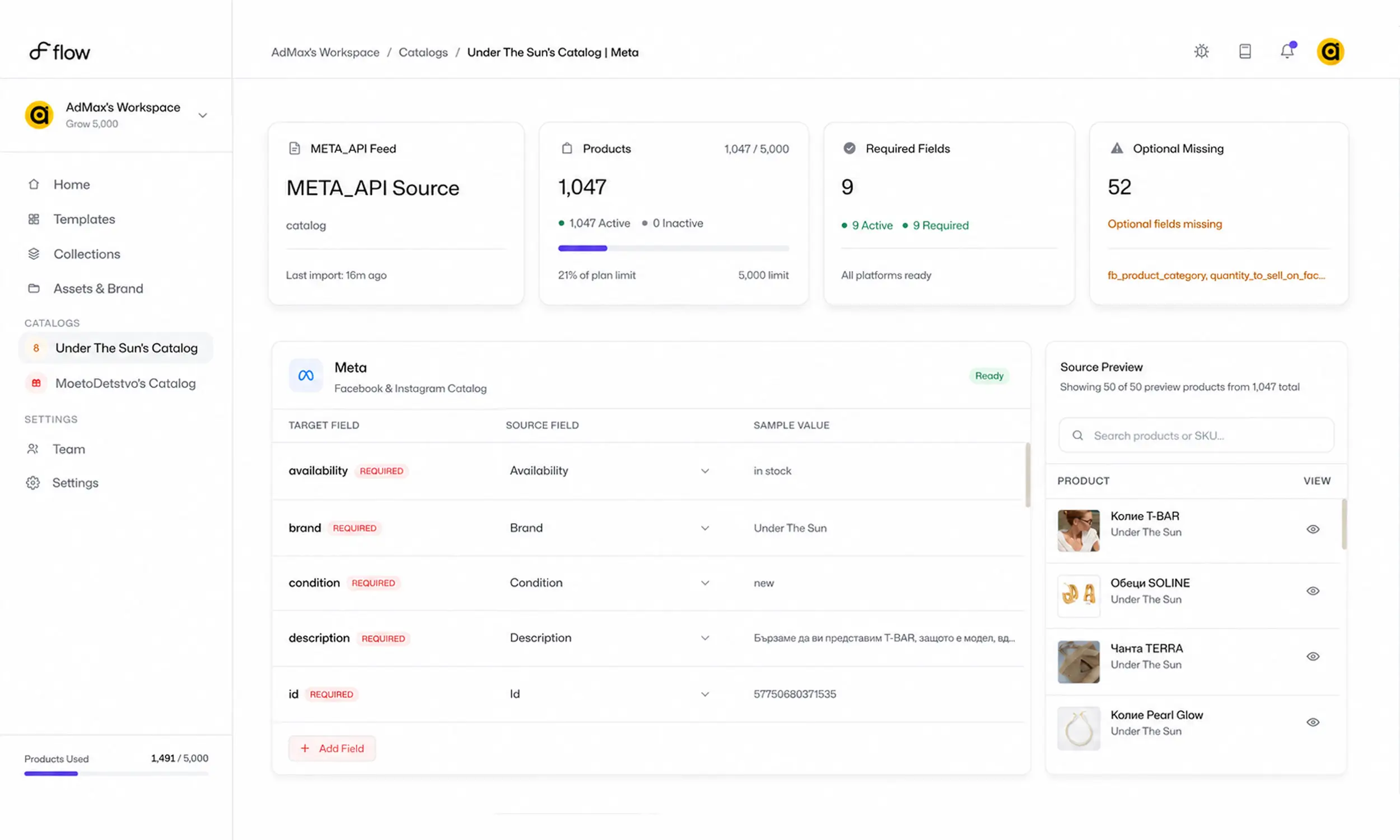
The best place to fix a Commerce Manager error is before Commerce Manager sees it. Flow's catalog engine checks mappings, required fields, unsupported values, and catalog readiness upstream, turning many of the errors above into pre-publish work rather than campaign troubleshooting.
It also gives rendered creative a controlled asset workflow. When a Meta image changes, a versioned output from the creative studio can use the new URL Meta expects. Commerce Manager diagnostics and policy decisions still stay authoritative after ingestion.
FAQ
Why are my products not showing in Facebook catalog ads?
Check, in order: the feed schedule isn't paused, the products aren't rejected in Data sources, they're marked in stock, and they're inside the product set your campaign promotes. Those four cover most missing-product cases.
How do I see why a product was rejected?
Commerce Manager → catalog → Data sources shows errors per upload session with a downloadable report; item-level policy rejections appear on the product under Items, with an appeal option.
Why does Meta show an old product image?
Meta doesn't re-fetch images that change at the same URL. Serve the updated image from a new URL and it will refresh on the next sync.
Can I appeal a policy rejection?
Yes - rejected listings can be sent for manual review from Commerce Manager. Approval is not guaranteed, so verify the policy and listing data before appealing.
Do feed errors affect my whole catalog?
Feed-level errors (fetch, format, empty file) block the entire sync. Item-level errors affect only those products - but every rejected product shrinks the pool dynamic campaigns can deliver from.
Final thoughts
Facebook catalog errors look scattered, but they reduce to a short list of causes: Meta can't fetch the file, a field breaks the spec, an ID collides, an image fails, or a policy fires. Each has a mechanical fix, and almost all of them are preventable with validation before upload and alerts after.
Fix the pipeline once, and the diagnostics tab becomes what it should be: empty.


Join The Newsletter
Stay ahead in catalog advertising
Get practical guides, product updates, new templates, and best practices for Dynamic Product Ads, creative automation, and ecommerce marketing.
On this page
Related articles



Launch catalog ads with ease
Ready to launch better catalog ads?
Turn product catalogs into publishing-ready creatives in minutes.