Images are a high-risk field in a Meta catalog: minimums can reject products, replacement images require new URLs, and cropping settings can hide important product detail across placements.
This is the Meta-specific image reference - one page for every size, rule, and fix. For cross-platform image specs see ad aspect ratios; for what to design onto the images, see catalog ad design.
The baseline requirements
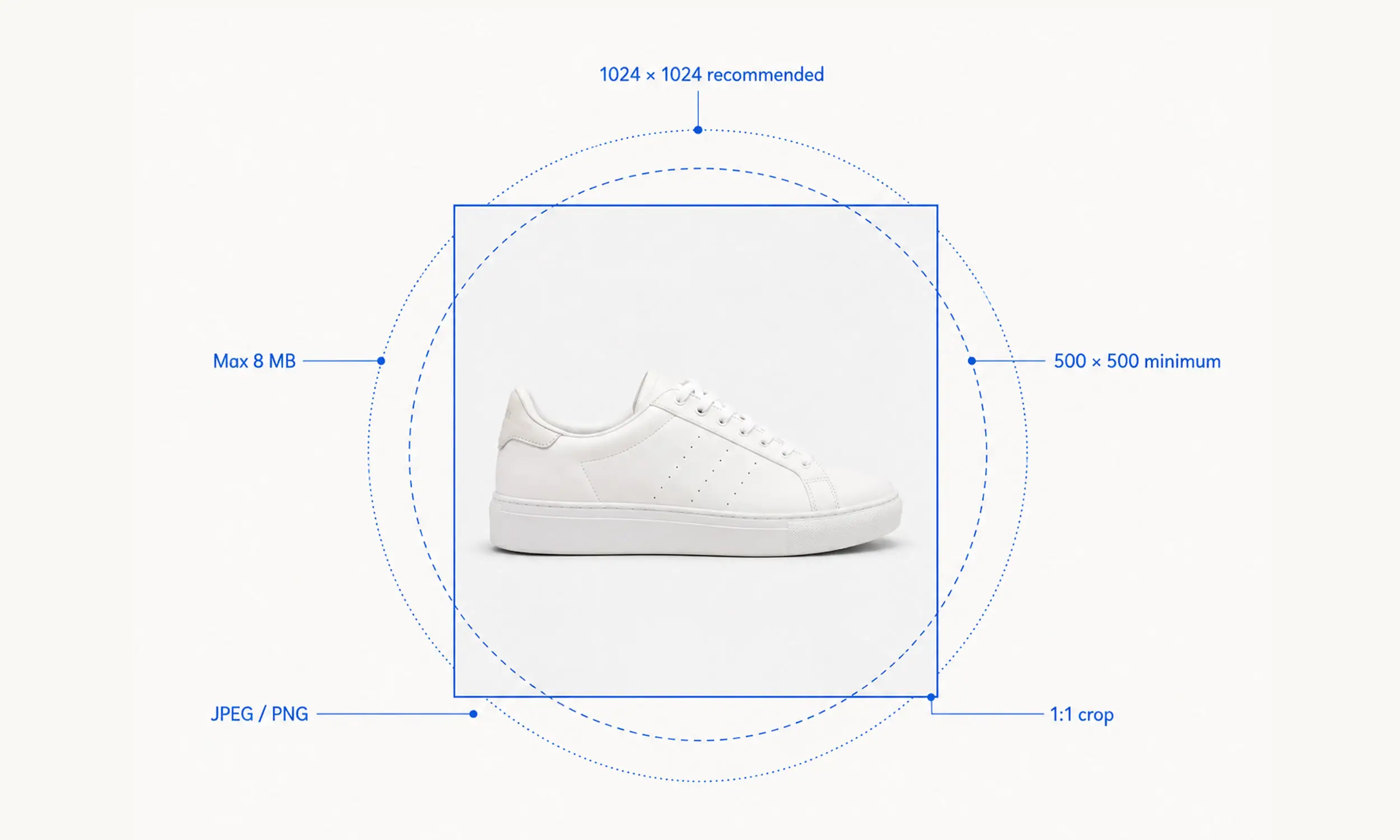
From Meta's product image specifications and feed spec:
Format: JPEG or PNG (Meta recommends JPEG for photos)
Minimum: 500 x 500 pixels - below this, the product is rejected
Recommended: 1024 x 1024 or larger; Shops display images square at 1:1
File size: under 8 MB
At least one image per product via
image_link; up to 20 more viaadditional_image_link
Meta's content recommendations for the catalog image itself: show the product clearly, prefer a clean backdrop, and avoid overlay text, CTAs, promo codes, watermarks, and time-sensitive claims on the base image. Those belong in rendered ad creative - the two-layer approach - not baked into the catalog's source photography.
Per-surface rules
The same catalog image serves several surfaces, each with its own geometry:
Feed and single image ads - the image renders at 1:1 from the catalog
Carousel - every card should share one aspect ratio, 1:1 or 4:5; mixed ratios make Meta auto-adjust all cards, and your compositions go with them
Shops - square display, minimum 500 x 500, with 1024 x 1024 recommended; Meta suggests 4+ images per product for the product page experience
Reels and Stories (9:16) - interface elements (profile icon, caption, CTA) cover parts of the image; keep the product and any text inside the central safe area
The carousel consistency rule is the one teams learn the hard way: one 4:5 image in a 1:1 set doesn't just crop itself - it changes how the whole carousel renders.

The cropping setting to verify
Commerce Manager's catalog-level image option (Fill frame, Show entire image, or Crop and resize to fit) decides how photos meet their display frames - and the default, Fill frame, crops whatever overflows. If products with important edges are losing their tops or sides, this setting is the usual culprit.
Product video specs
Catalogs support up to 20 videos per product via the feed's video[0].url through video[19].url fields:
Direct download links (not YouTube/hosting pages)
Max 200 MB per file
4:5 recommended as the default ratio
Meta supports product-level video in catalogs. Test it for products where motion demonstrates fit, use, or detail, especially in video-first placements; do not assume it will beat a well-designed still.
Image rejections and fixes
The image-related errors you'll meet in Commerce Manager, with fixes - the full error catalog beyond images is in Facebook catalog errors:
Image too small - below 500 x 500. Re-render from the original asset; upscaling a thumbnail trades a rejection for a blurry ad.
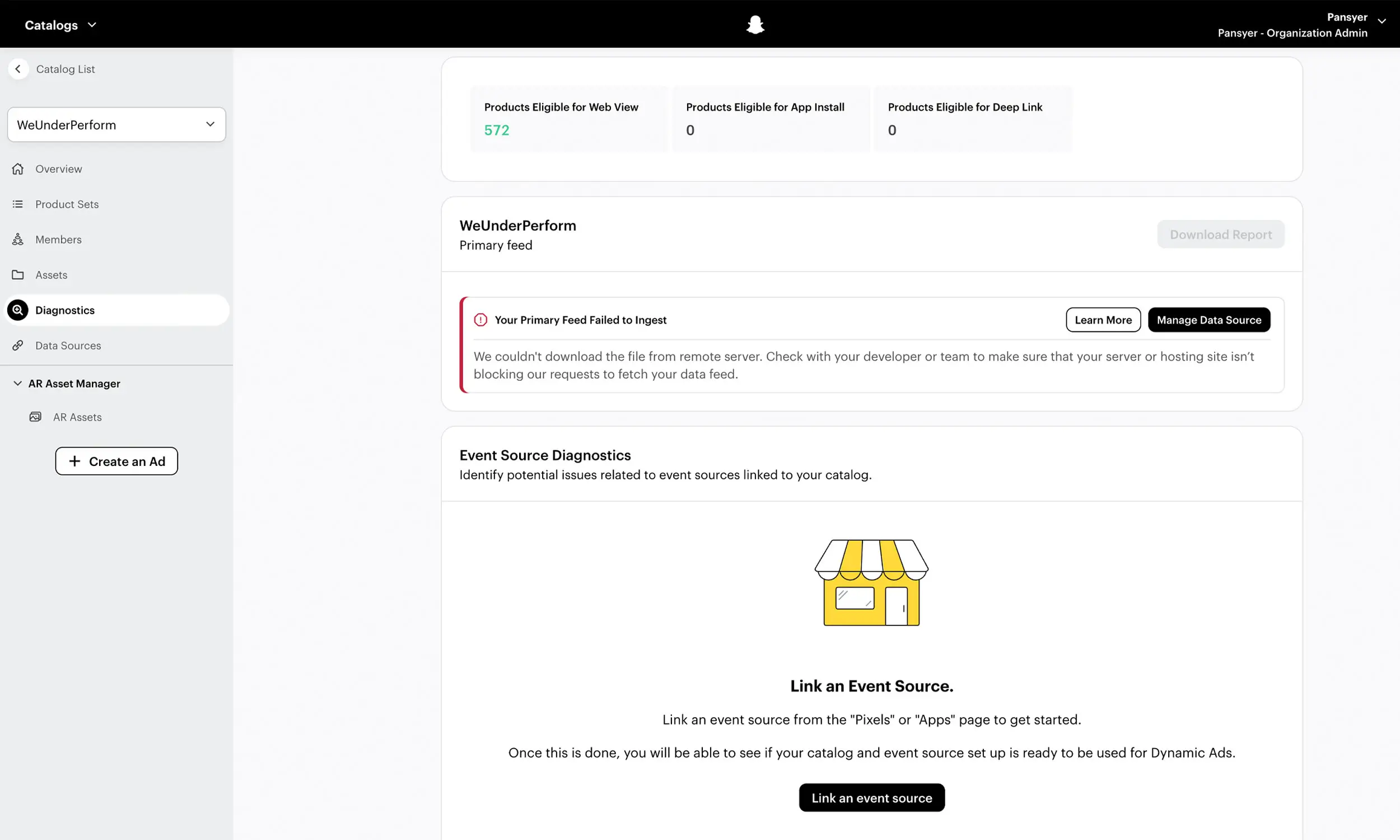
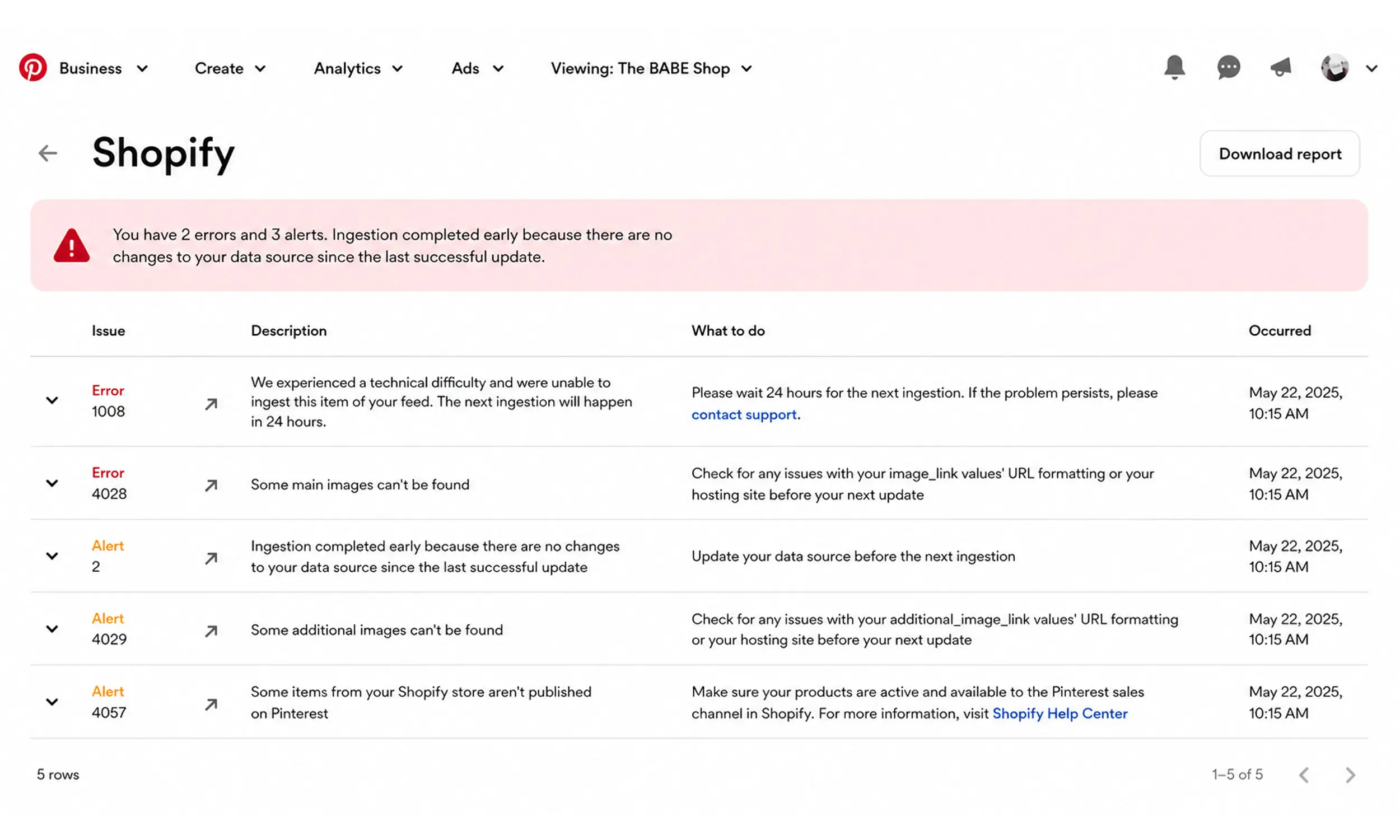
Image couldn't be fetched - the URL is broken, slow, or your CDN blocks Meta's crawler. Test that URLs resolve directly to the file, from a fast host.
Wrong format or too large - JPEG/PNG only, under 8 MB.
Policy-flagged imagery - overlay text or prohibited content on the image itself; clean the base image and appeal if it's a false positive.
And the trap that isn't an error at all: Meta's documented replacement workflow is to use a new URL for a changed image. Version image URLs on every change (/img/sku123-v2.jpg) so the catalog references a distinct asset.
A practical image pipeline for Meta
Source photography at 1500 x 1500 or better - headroom for every surface
Serve JPEG from a CDN, under 8 MB, URLs ending predictably
Keep base images clean; render enriched ad creative separately
Provide 4+ images per product; fill
additional_image_link(20 slots, not the 10 older guides claim)Keep carousel sets ratio-consistent by construction, not by hope
Version URLs on any image change
Check the cropping setting once, then whenever photography style changes
Keeping source images clean and creative flexible
This article separates the clean catalog image from the creative Meta may serve around it, and Flow supports the same separation. The catalog engine validates and previews source product data, while the creative studio can turn reviewed cutouts and brand assets into reusable variations without overwriting the original photography.
Before publishing, check the rendered dimensions, format, safe zones, cropping behavior, and versioned URL against Meta's current rules. The workflow reduces repeated production; Commerce Manager confirms what Meta actually accepted.
FAQ
What size do Meta catalog images need to be?
Minimum 500 x 500 pixels, JPEG or PNG, under 8 MB. Provide 1024 x 1024 or larger - Shops displays benefit from it, and bigger sources survive every crop.
Why does my ad show an old product image?
Use a new URL for the changed image, as Meta's replacement workflow requires, then confirm the new asset after the next catalog sync.
Can I put price or sale text on my catalog images?
Not on the base images - Meta recommends against overlay text, and it degrades Shops surfaces. Render enriched creative with prices and badges as separate ad-layer files instead.
What aspect ratio should catalog images use?
1:1 as the catalog standard, with 4:5 as a deliberate carousel choice - never mixed within one carousel. For Reels and Stories, provide 9:16 renders designed for safe zones.
How many images can a product have?
One main image plus up to 20 additional images, and up to 20 product videos (200 MB each, direct links).
Final thoughts
Meta's image rules are simple to state and expensive to violate: one minimum, one format pair, one consistency rule, one caching quirk, one cropping default. Every one of them is checkable before upload, and none of them should ever be discovered in a rejected-products list.
Build the pipeline once - big clean sources, versioned URLs, separate ad renders - and images stop being the field that breaks and start being the field that wins.


Join The Newsletter
Stay ahead in catalog advertising
Get practical guides, product updates, new templates, and best practices for Dynamic Product Ads, creative automation, and ecommerce marketing.
On this page
Related articles


Launch catalog ads with ease
Ready to launch better catalog ads?
Turn product catalogs into publishing-ready creatives in minutes.