Pinterest's catalog runs on the same idea as every other platform - a structured file of products, ingested on a schedule - but with its own field names, its own limits, and a few rules that surprise advertisers arriving from Meta: ingestion runs once a day, links must live on your claimed domain, and condition is optional.
This is the field-by-field reference for building that feed, the companion to our full Pinterest catalog ads guide. If you're setting up feeds across platforms, start with product feed management for the overall workflow.
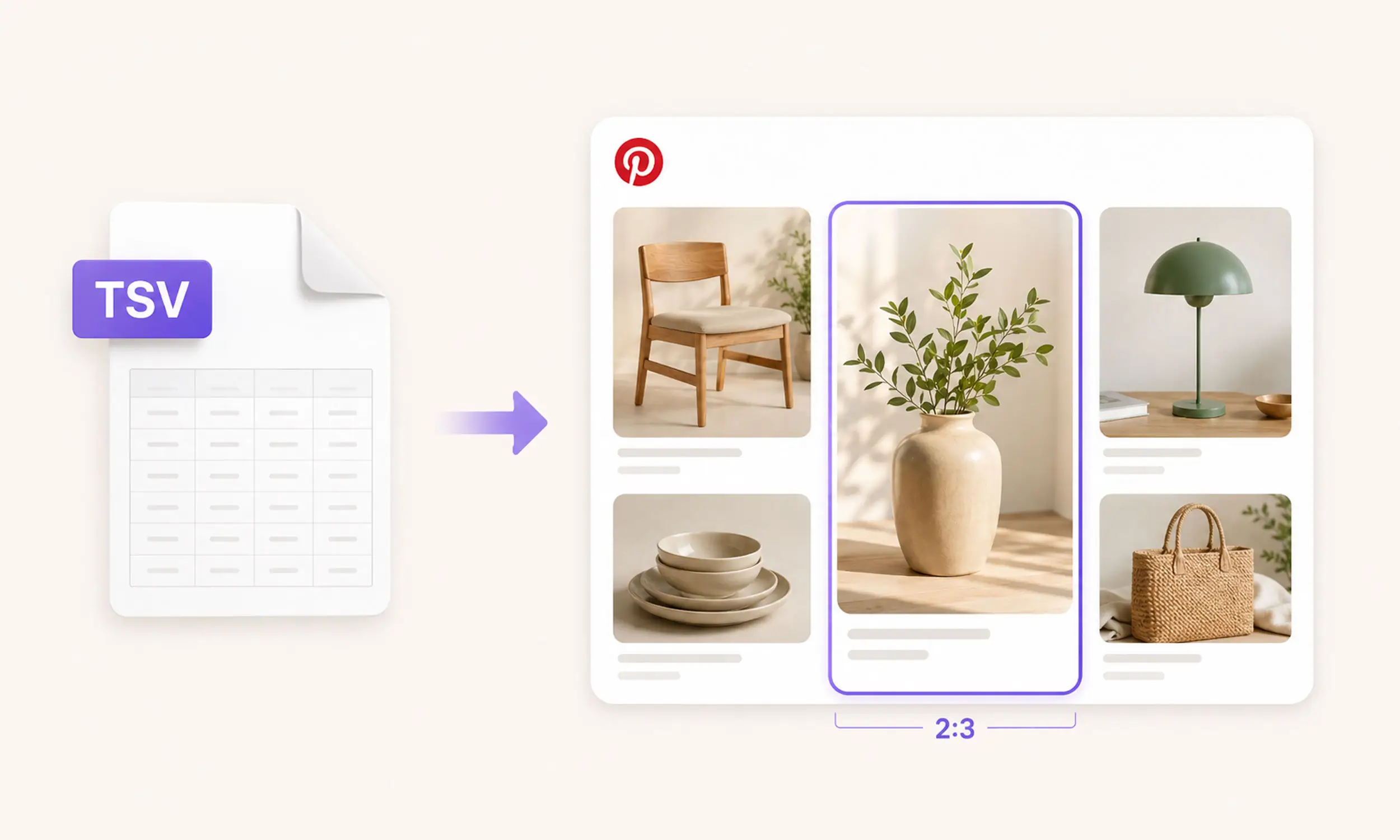
Formats and delivery
From Pinterest's catalog documentation:
Formats: CSV, TSV, or XML (RSS 2.0 / ATOM 1.0), plus Google Sheets
Compression: .zip, .gz, and .bz2 accepted
Not supported: password-protected files and Dropbox links
Hosting: a URL on
https://,http://,ftp://, orsftp://- no IP whitelisting or SSH keys neededScale: up to 20 million products per feed, and up to 50 data sources per business account once the first is approved
Delivery is where Pinterest differs most from Meta:
Hosted feeds ingest once every 24 hours, and there's no on-demand re-ingest. Time price changes with that lag in mind - a sale that starts at 9am may not reflect until the next daily cycle.
Manual uploads decay: they need re-uploading every 7 days to keep organic distribution, and stop serving ads entirely after 90 days. Use a hosted URL for anything real.
The required fields
Pinterest requires seven fields, plus one conditional:
id- unique identifier, max 127 characters. Keep it identical to the SKU you use everywhere else; it's also the join key for dynamic retargeting events.title- the product name. Around the first 40 characters show in feed, so front-load what matters.description- used for search relevance more than display.link- the product page URL. Pinterest-specific rule: the link must be on your claimed domain, or the item fails with error 139.image_link- the main product image; Pinterest's current catalog spec requires at least 1000 x 1500 pixels.price- number plus ISO 4217 currency, no symbols.availability- stock status; keep it current within 7 days per Pinterest's merchant guidelines.item_group_id- required only when products have variants (sizes, colors); groups them into one Pin.
Notable absences compared to other platforms: condition is optional on Pinterest (unlike Google), and brand is optional too (unlike Meta and TikTok). One warning that offsets the shorter list: missing or malformed required fields can fail ingestion of the catalog, not just skip a row - validate before upload.
Optional fields worth filling
sale_price- must be lower thanprice; powers sale displaysale_price_effective_date- schedules the sale windowadditional_image_link- up to 10 extra images (minimum 75 x 75 pixels)google_product_category- Google's taxonomy, text path or numeric IDproduct_type- your own category path, up to 5 levels separated by " > ", max 1,000 charactersbrand- max 100 characters; fill it even though it's optionalgtin/mpn- identifiers; invalid GTINs trigger error 179average_review_rating(1-5) andnumber_of_reviews- Pinterest can display ratings on product Pins; populate them from a maintained, policy-compliant review sourcecustom_label_0throughcustom_label_4- segmentation slots for product groups, generously sized at 511 characters eachvideo_link- product video (.mp4/.mov/.m4v, up to 2 GB)ad_link- a separate URL with tracking parameters for ads, so your organic link stays cleanmobile_link,color,size,gender,age_group,material,pattern- variant and matching attributescondition-new,used, orrefurbished; used/refurbished items display a "pre-owned" labelai_disclosures- Pinterest's field for disclosing AI-generated content, new in the current spec
An example file
A minimal valid TSV with variants looks like this (tab-separated in the real file):
ID | Title | Description | Link | Image Link | Price | Availability | Item Group ID | Color | Size | Sale Price |
|---|---|---|---|---|---|---|---|---|---|---|
TSH-001-BLK-S | Organic Cotton T-Shirt – Black | Heavyweight organic cotton tee with a relaxed fit. | https://yourstore.com/products/organic-tee?variant=blk-s | https://cdn.yourstore.com/img/tsh-001-blk-1000x1500.jpg | 29.00 USD | in stock | TSH-001 | Black | S | 19.00 USD |
TSH-001-BLK-M | Organic Cotton T-Shirt – Black | Heavyweight organic cotton tee with a relaxed fit. | https://yourstore.com/products/organic-tee?variant=blk-m | https://cdn.yourstore.com/img/tsh-001-blk-1000x1500.jpg | 29.00 USD | in stock | TSH-001 | Black | M | 19.00 USD |
TSH-001-WHT-M | Organic Cotton T-Shirt – White | Heavyweight organic cotton tee with a relaxed fit. | https://yourstore.com/products/organic-tee?variant=wht-m | https://cdn.yourstore.com/img/tsh-001-wht-1000x1500.jpg | 29.00 USD | in stock | TSH-001 | White | M | — |
Details worth copying: links on the claimed domain, primary images served at the catalog's required minimum of 1000 x 1500 (also Pinterest's recommended 2:3 ad size), shared item_group_id across variants, and sale_price only where a sale exists.
Images: think 2:3 from the start
Pinterest's grid is portrait. The specs recommend 2:3 (1000 x 1500 pixels) for shopping images - a square image serves, but occupies visibly less grid space than every native pin around it.
Since your other platforms want 1:1 and 4:5, the practical answer is per-ratio rendering from one design system rather than a separate Pinterest photography effort - the approach from catalog ad design. Feed the 2:3 renders to Pinterest via image_link, keep the square versions for Meta, and let both regenerate when products change.
Pinterest's planning context makes editorial or lifestyle treatments a reasonable test. Do not assume they outperform: compare them with a clear promotional treatment on the same products and audience.
When ingestion fails
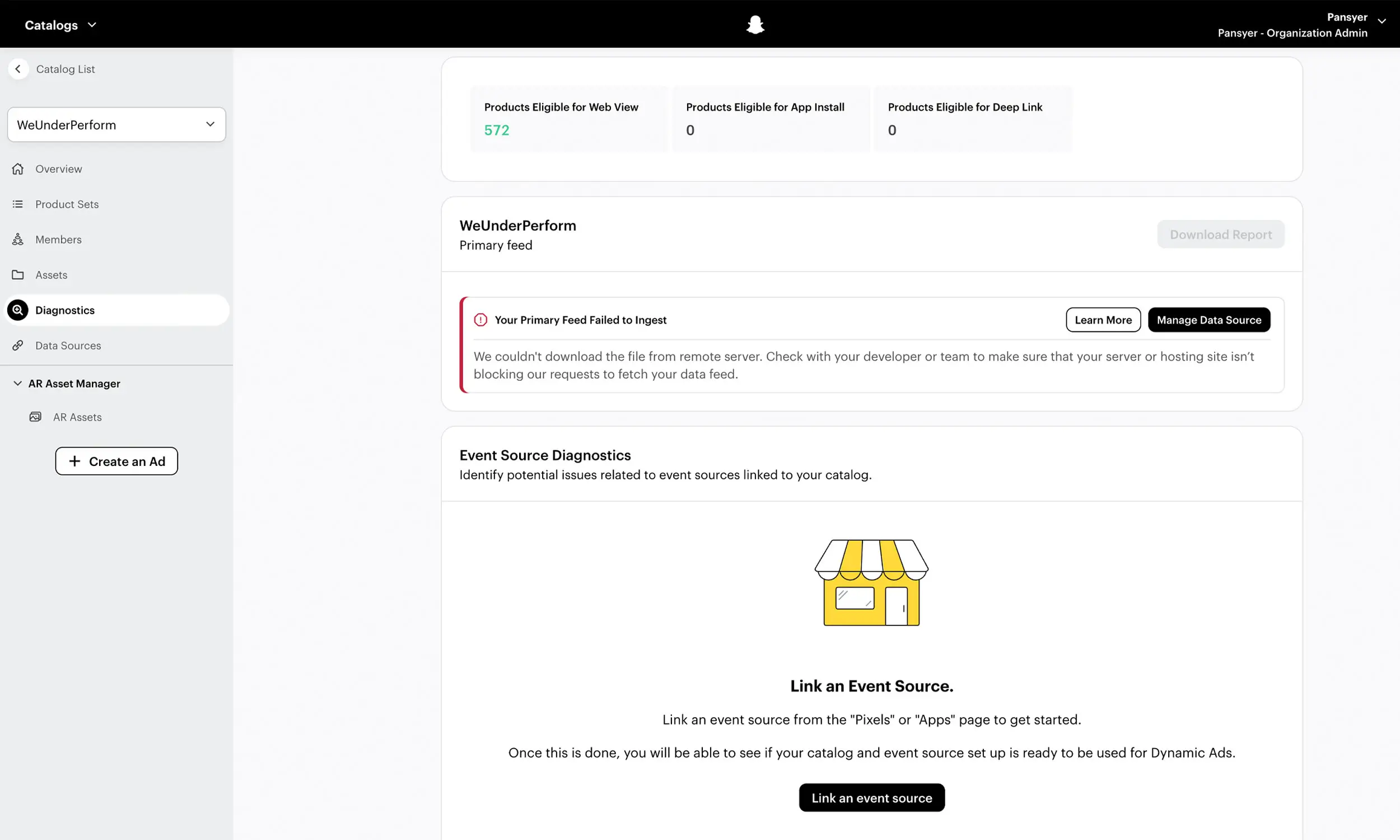
Pinterest reports problems as numbered error codes in Catalog Diagnostics, and they cluster into four classes: download and file-format failures (error 100 and friends), missing required fields (106-113), item-level issues like duplicate IDs and links off your claimed domain (123, 139), and policy violations (4042).
One more freshness requirement, because it gates a real benefit: Pinterest's Verified Merchant Program requires at least 75% of catalog products ingesting successfully (plus steady tag events) - a healthy feed is literally the qualification.
Supplemental data sources
Like Meta's supplementary feeds, Pinterest supports supplemental data sources: an extra file that adds or overrides fields on an existing catalog, matched by id. Use it to layer custom labels, ratings, or improved titles onto a feed you don't fully control - your platform export stays untouched, the enrichment lives in the supplement.
Preparing a Pinterest-ready feed and creative output
Flow's Pinterest workflow connects the feed and creative sides of this guide. The shared catalog supplies product data and collections; reusable templates and variations turn that data into reviewed 2:3 creative without creating a separate Pinterest source catalog.
Before publishing, validate the output against Pinterest's current required fields, claimed-domain rule, 1000 × 1500 primary image requirement, and ingestion report. Flow prepares the output; Pinterest's diagnostics confirm whether it is eligible.
FAQ
What fields are required in a Pinterest product feed?
Seven: id, title, description, link, image_link, price, and availability - plus item_group_id when products have variants. Condition and brand are optional, unlike on Google and Meta.
How often does Pinterest ingest my feed?
Hosted data sources ingest once every 24 hours, with no manual re-ingest option. Manual uploads stop serving ads after 90 days, so host the feed at a URL.
Why do my products fail with error 139?
The product links point to a domain you haven't claimed in Pinterest. Every link must live on your claimed website
What image size should the feed use?
The primary catalog image must be at least 1000 x 1500 pixels, and 2:3 at 1000 x 1500 is also Pinterest's recommendation for shopping ads. Square assets are supported in some ad formats but appear smaller in the grid; additional catalog images need at least 75 x 75.
Can I override fields without changing my main feed?
Yes - supplemental data sources add or override fields on an existing catalog, matched by product ID. Price-critical fields should still come from the primary source.
Final thoughts
A Pinterest feed is mostly the feed you already have, with three local rules: daily ingestion (plan your price timing), links on the claimed domain, and a portrait-first grid that rewards 2:3 creative. Map the fields once, render the right ratio, and monitor the numbered errors - Pinterest becomes an output of your existing catalog pipeline, not a second pipeline to maintain.


Join The Newsletter
Stay ahead in catalog advertising
Get practical guides, product updates, new templates, and best practices for Dynamic Product Ads, creative automation, and ecommerce marketing.
On this page
Related articles



Launch catalog ads with ease
Ready to launch better catalog ads?
Turn product catalogs into publishing-ready creatives in minutes.